The Nvidia Shield TV is widely considered the best hardware for IPTV thanks to its powerful processor and full Android TV app support. Here is how to complete your IPTV setup on Nvidia Shield in 2026.
Why the Shield TV Is Ideal for IPTV
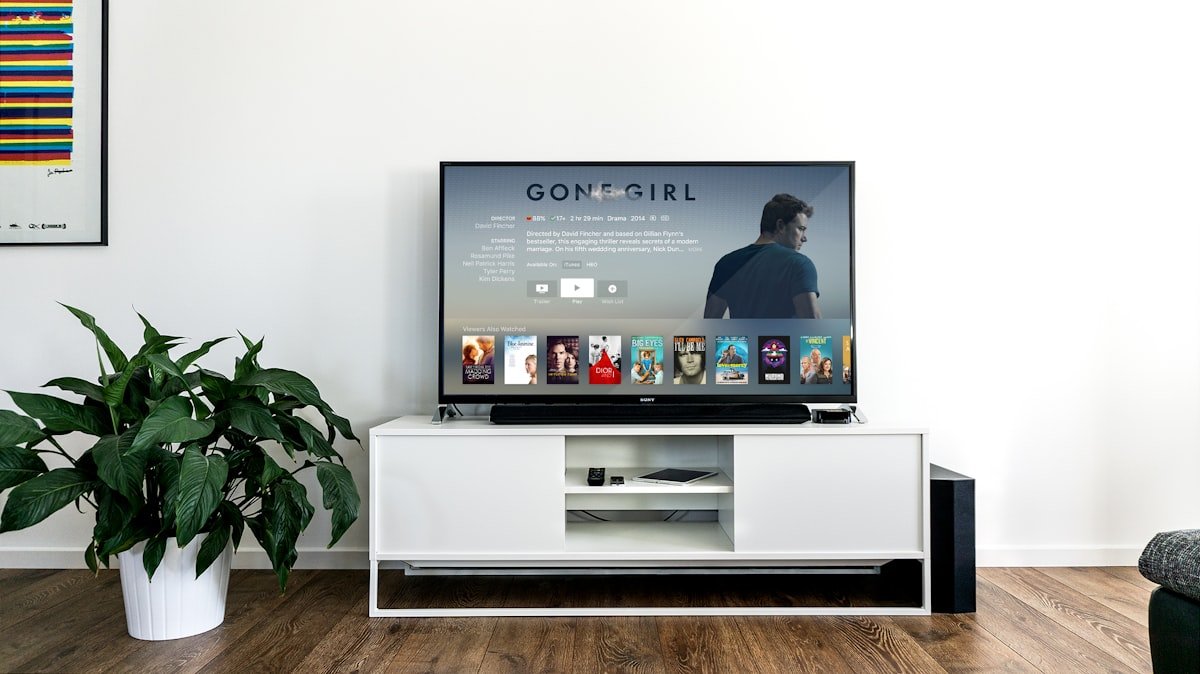
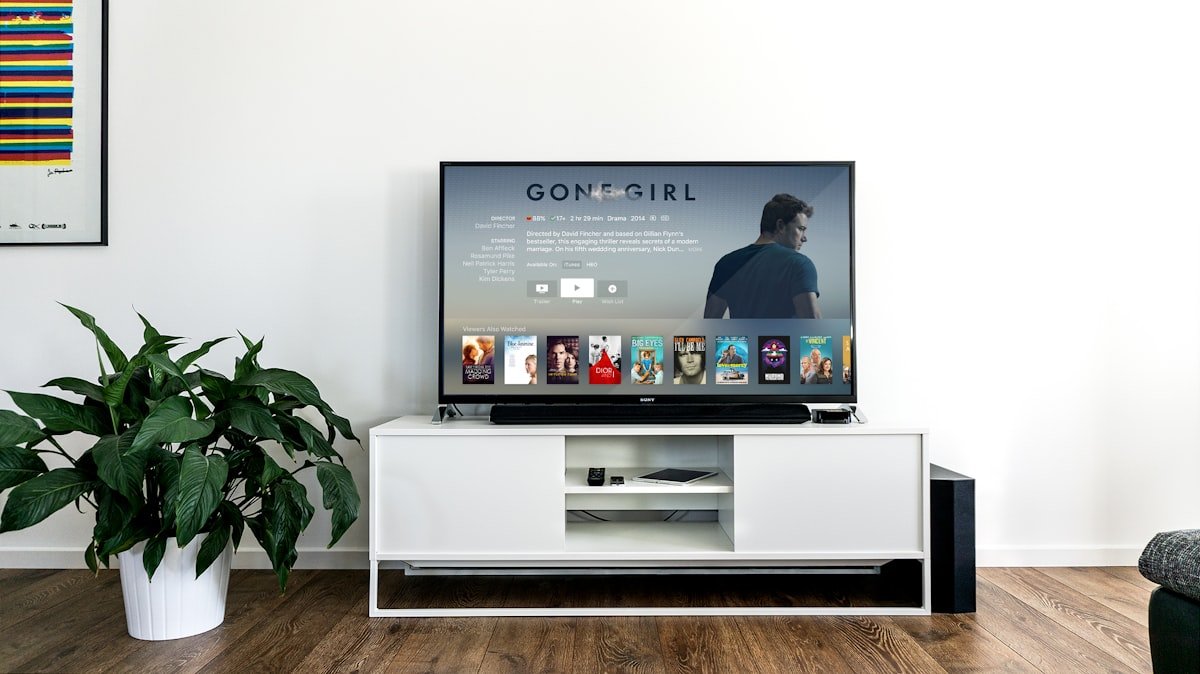
Unlike budget streaming sticks, the Shield TV’s Tegra processor handles 4K HDR IPTV streams and large channel lists without lag, and it runs the full Google Play Store — meaning apps like TiviMate install with no sideloading required.
Step-by-Step Setup
- On your Shield TV home screen, open the Google Play Store
- Search for TiviMate IPTV Player and install it
- Open TiviMate and select Add Playlist
- Enter your Lime IPTV M3U URL or Xtream Codes login
- Let the app sync channels and EPG, then start watching
Getting the Best 4K Performance
- Connect via Ethernet using the Shield Pro’s built-in port for the most stable 4K streams
- Enable hardware decoding in TiviMate’s playback settings
- Set buffer size to “Large” under TiviMate’s advanced player options for busy live sports
Alternative Apps for Shield TV
If you prefer another interface, IPTV Smarters Pro and GSE Smart IPTV are also available on the Play Store and fully compatible with the Shield TV, though TiviMate remains the most polished for EPG and multi-screen viewing.
Troubleshooting
- Buffering during 4K sports: Switch from Wi-Fi to Ethernet
- App crashes on launch: Update the Shield’s Android TV OS under Settings
- EPG not showing: Force refresh the playlist inside TiviMate settings
Verdict
For anyone serious about 4K IPTV, the Nvidia Shield TV paired with TiviMate and a Lime IPTV subscription is the smoothest combination available in 2026.